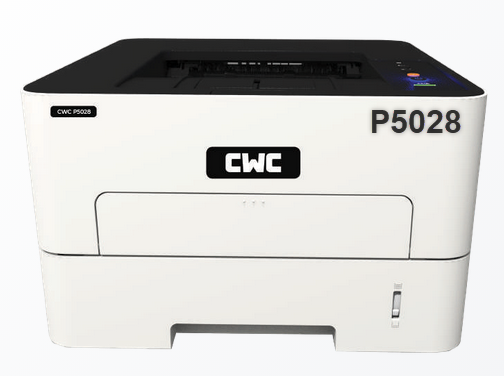
CWC P5028 is a single function monochrome laser printer. It is a USB & WiFi enabled printer. You can connect this printer to the computer through LAN connectivity. To install this printer on your computer, you will require its driver which should be the latest one. Download the driver from the download section below and after that install it by following the given step-by-step guide. Let’s start the installation process by downloading the driver for the CWC P5028 printer.
Download CWC P5028 Printer Driver
In order to download the P5028 driver, go to the list below and click on the download button in front of the operating system version according to yours one.
Driver for CWC P5028 Printer
Type: Full feature driver Operating System: Windows 11, 10, 8, 8.1, 7 File Size: 21.2 Version: 1.35 Download DriverOR
You may download the driver from CWC’s official website directly.
How to Install CWC P5028 Printer Driver
After downloading the driver, follow the below given step by step guide on Windows.
Step 1: Download this driver from the above given download section.

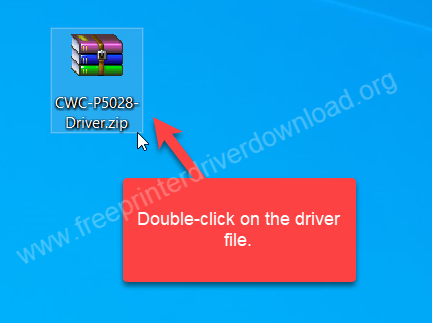
Step 2: Right-click on the CWC-P5028-Driver.zip zip file and click on “extract to” – Unzip the zip file into a folder.

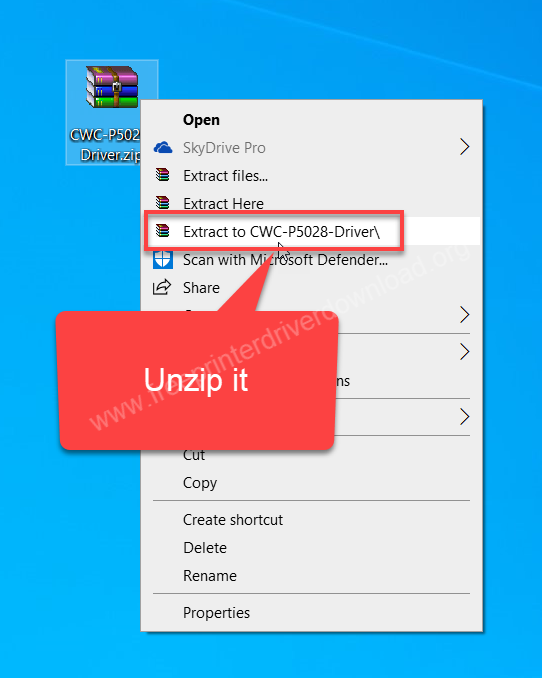
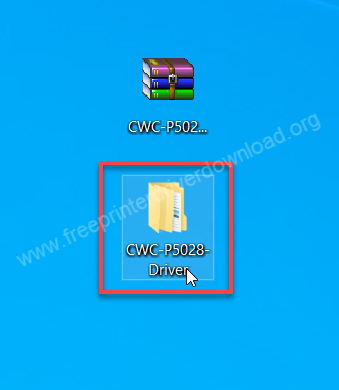
Step 3: Open up the extracted folder.

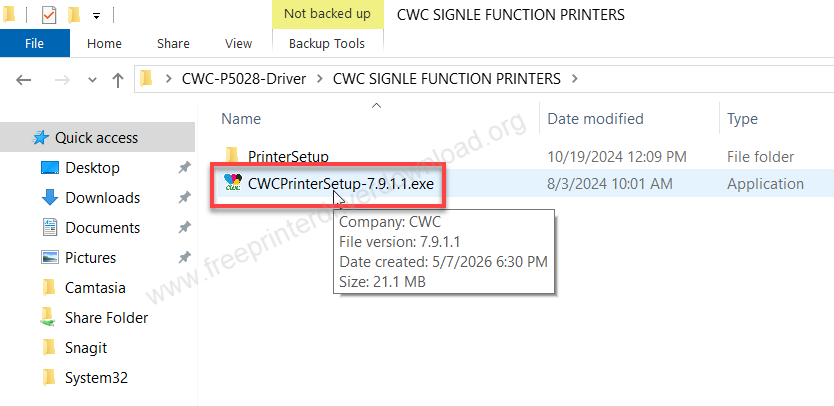
Step 4: Open up the sub folder “CWC SINGLE FUNCTION PRINTERS” and you will see “CWCPrinterSetup-7.9.1.1.exe”. Double-click on the exe file to execute the installation process.

Step 5: It will ask you to set the installation folder. Don’t change anything and click on Next

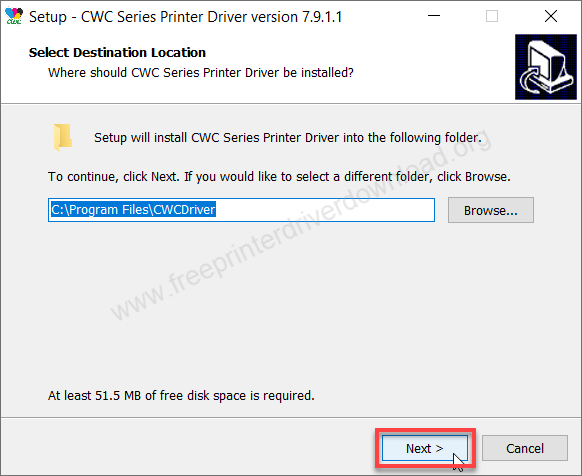
Step 6: Click on Install.
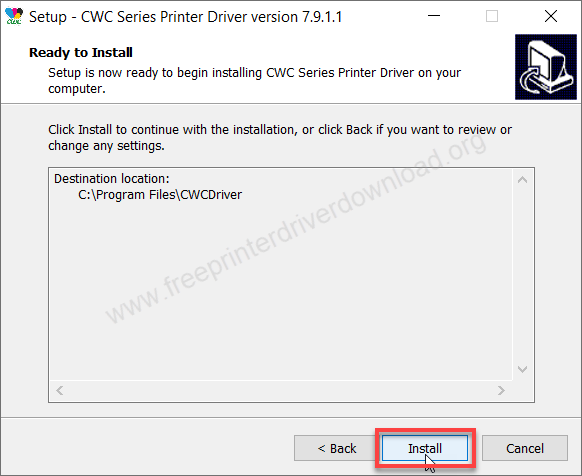
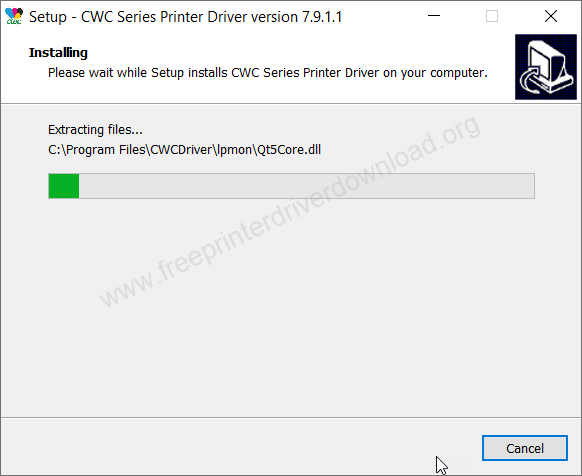
Step 7: It is installing the drivers, so please wait.
Step 8: The printer has been installed successfully. Click on OK.
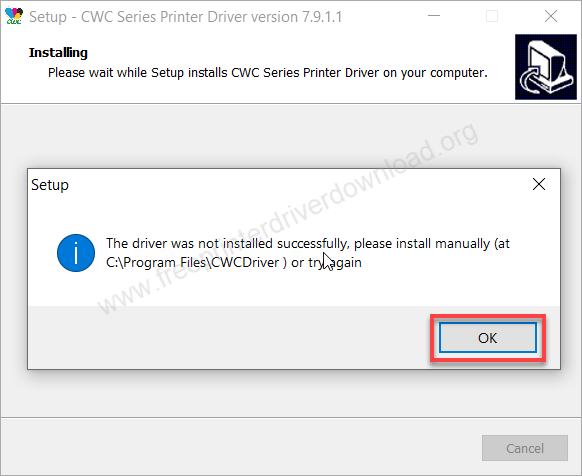
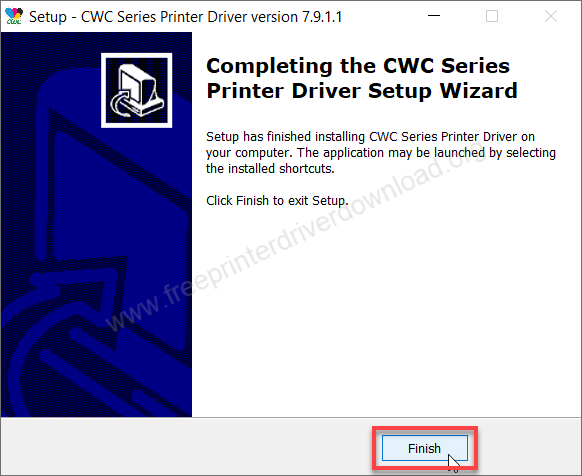
Step 9: Click on Finish to complete the installation process.
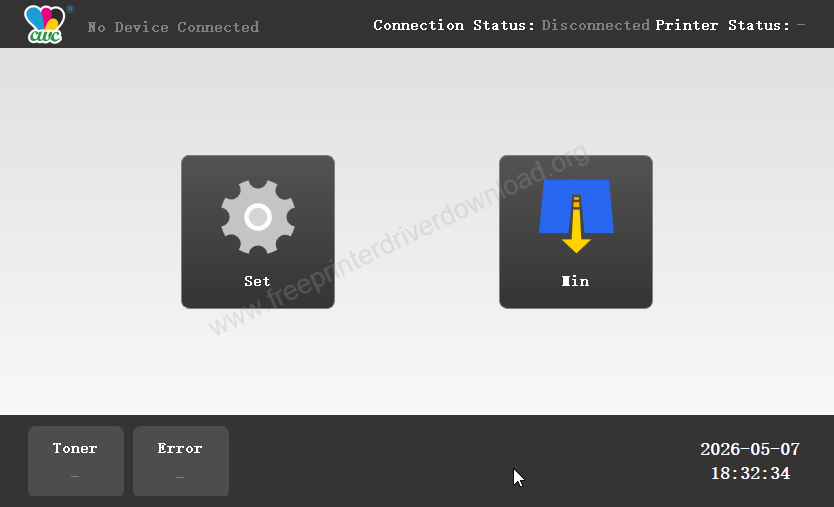
Step 10: Your printer will be listed on the CWC dashboard. It will open up automatically. That’s it, the printer has been installed successfully and it is ready to print.

Step 10: I suggest you to please take a test page and check if the printer is working properly or not.
CWC P5028 Specs & Features:
CWC P5028 is an automatic duplex printer (double-sided). The print resolution of this printer is 1200 x 1200 dpi on A4, Letter and B5 paper size. This is a single function printer (only print). It has a input paper tray that can hold 250 papers at a time. The print speed is 30 PPM which is very good due to its laser technology.
This printer has built in RAM (memory) to process multiple print commands in their spool. There are three types of connectivity: USB, Network and Wireless. This printer supports Windows 11, 10, 8, 8.1, 7 and Linux OS. The printer uses a toner cartridge model number: CWC-CT500 which can print a max of 1500 pages. If you buy a new cartridge after finishing the default one then you will get a 3000 yield cartridge.
The dimensions of this printer are width: 37cm, depth is 34cm and height is 30.5cm. The total weight of this printer is around 9 KG. This is a very good printer for simple office & home black & white printing jobs. If you are looking for more, then you can go with their more model numbers which are listed on their official website.