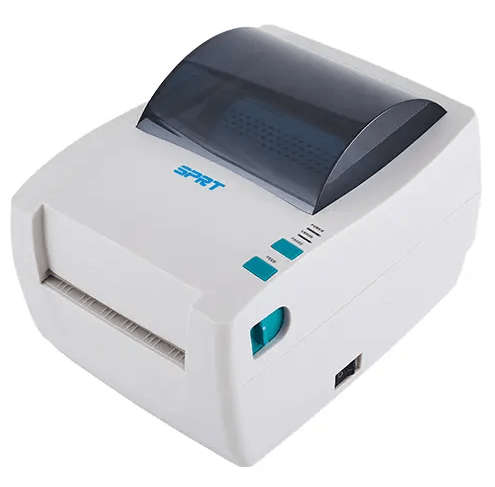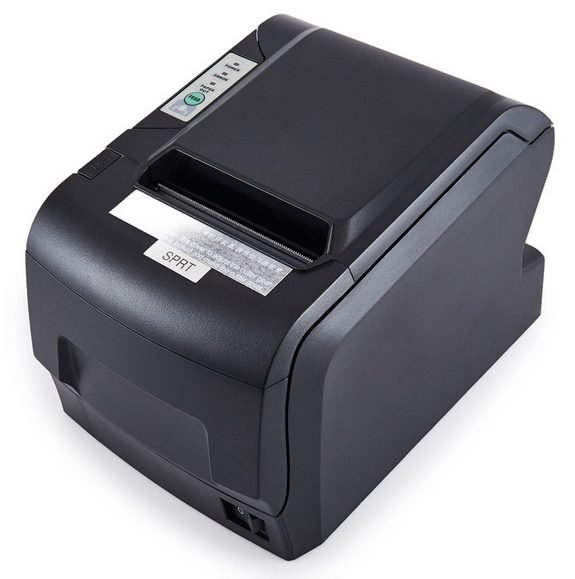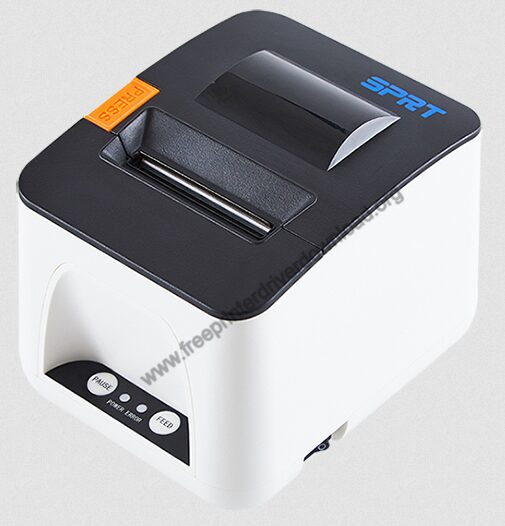

In this guide, you will not only find single-click download links of the latest version drivers of this label printer, but I will also share detailed installation instructions for the proper installation of these drivers.
Download SPRT SP-TL24 Printer Driver
- In the list of OS shown below, find your preferred OS version.
- Click on the download button to download latest version SPRT SP-TL24 driver.
SPRT SP-TL24 Printer Driver for Windows
Basic printer driver for Windows XP, Vista, 7, 8, 8.1, 10, 11(32, 64-bit)
Download (32, 64-bit)
File Name: sprt-sp-tl24-printer-driver-win.zip
Size: 743.0 KB
Version: NA
Type: Basic driver
Language: English
Driver Pack Contains: Printer driver
————————————————————
Full feature driver for Windows Server 2003 to 2025 (32, 64-bit)
Download
Driver for Mac
Basic printer driver for macOS
Download
File Name: sp-tl24-driver-macos.zip
Size: 312 MB
Version: NA
Type: Basic driver
Language: English
Driver Pack Contains: Printer driver
Driver for Linux
Basic driver for Linux and Ubuntu (32-bit)
Download (32-bit)
File Name: sp-tl24-driver-linux-32x.rar
Size: 26.6 KB
Version: NA
Type: Basic driver
Language: English
Driver Pack Contains: Printer driver
————————————————————
Basic driver for Linux and Ubuntu (64-bit)
Download (64-bit)
File Name: sp-tl24-driver-linux-64x.rar
Size: 26.6 KB
Version: NA
Type: Basic driver
Language: English
Driver Pack Contains: Printer driver
OR
Download the driver directly from the SPRT SP-TL24 printer official website.
How to Install SPRT SP-TL24 Printer Driver
Here, I will share the download & installation steps for the latest SPRT SP-TL24 printer driver:
Step 1: Find the Driver
- You will find the latest version driver either on the SPRT website or in the Downloads section above.
- In the SPRT website, visit the support/downloads page.
- Use the printer model details (SP-TL24) to search for its drivers, then find your OS version.
Step 2: Download the Driver
- Click on the download link associated with your OS version.
- Wait for the driver setup file to download on your computer.
Step 3: Install the Driver
- Go to the Downloads folder, then locate the downloaded driver setup file and run it.
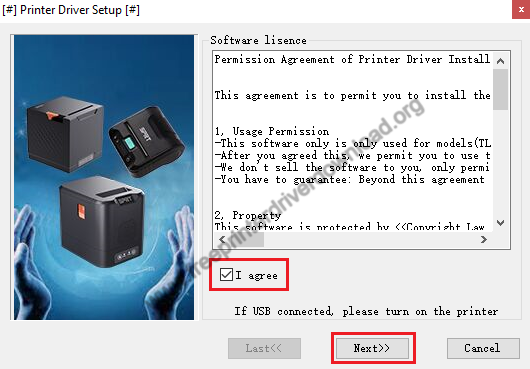
- Select ‘I agree’ option, then click on ‘Next’.
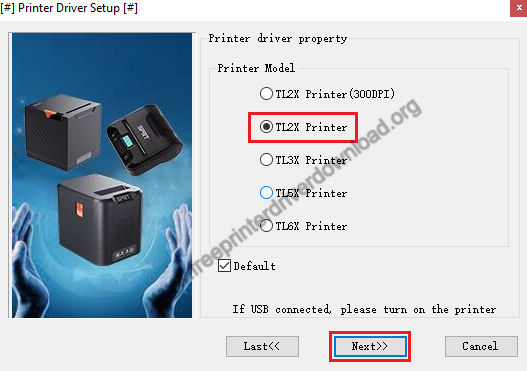
- Select ‘TL2X printer’ option, then click on ‘Next’.


Step 4: Connect the Scanner
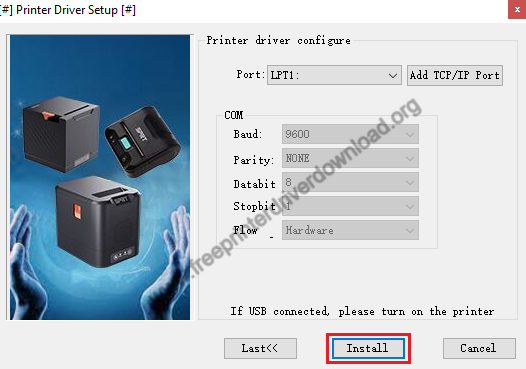
- Select ‘USB’ port for installation, then click ‘Install’. Make sure your printer is switched on and connected to the USB port of your computer.
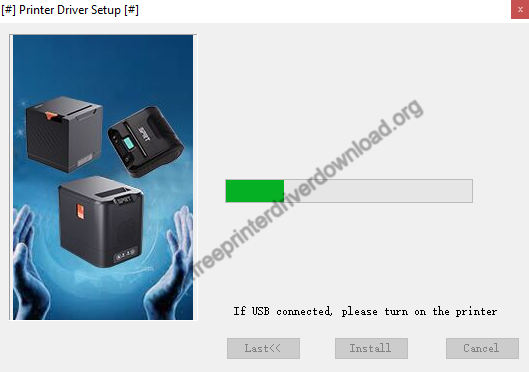
- Wait for the drivers to install, then follow instructions to complete printer installation.


More information about installation:
- How to install the printer driver with its installer
- How to install the printer driver manually using its basic driver
That’s it, you have installed SPRT SP-TL24 printer on your computer.
More details about the drivers
Hardware Name: SP-TL24
Hardware ID: USBVID_0483&PID_5740 / USBVID_0FE6&PID_811F
Connection Type: USB/Bluetooth Connection
Installer Type: Setup File (with Installer)
Driver Compatibility
This label printer supports Windows XP or later OS versions, but doesn’t support any Windows Server OS versions. Also, this printer is compatible with MacOS and Linux/Ubuntu operating systems.
Driver Update
There are multiple benefits of updating your printer driver with their latest version, but the one reason that stands-out is that you get better compatibility between your printer and your OS version.
Supported Operating Systems
Windows
Mac
Linux