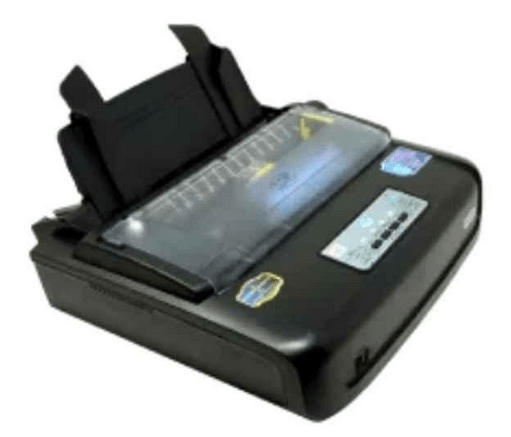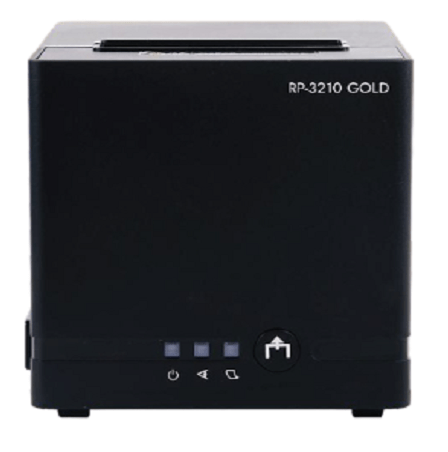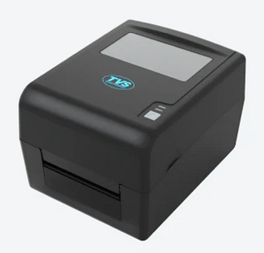

Therefore, in this guide, I have shared one-click download links of the latest version driver of this printer model, along with their detailed (step-by-step) installation procedure.
Download TVS LP46 DLITE PLUS Printer Driver
Follow these steps:
- Go through our OS list, then select your operating system.
- Click on its download button to start the download.
TVS LP46 DLITE PLUS Printer Driver for Windows
Full feature driver for Windows XP, Vista, 7, 8, 8.1, 10, 11 (32, 64-bit)
Download (32, 64-bit)
File Name: tvs-lp-46-dlite-installer.exe
Size: 231.00 MB
Version: 1.03
Type: Full feature driver
Language: All Language
Driver Pack Contains: Printer driver and software
————————————————————
Full feature driver for Windows Server 2003 to 2025 (32, 64-bit)
Download
Driver for Mac
Printer driver for macOS 10.x, 11.x, 12.x, 13.x, 14.x, 15.x, 26.x
Download
Driver for Linux
Basic printer driver for Linux and Ubuntu
Download
OR
Download the driver directly from the TVS LP46 DLITE PLUS printer official website.
How to Install TVS LP46 DLITE PLUS Driver
Now I will describe in easy to understand steps the right way to download the latest version TVS LP46 DLITE PLUS printer driver, then I will explain the installation process of that printer driver.
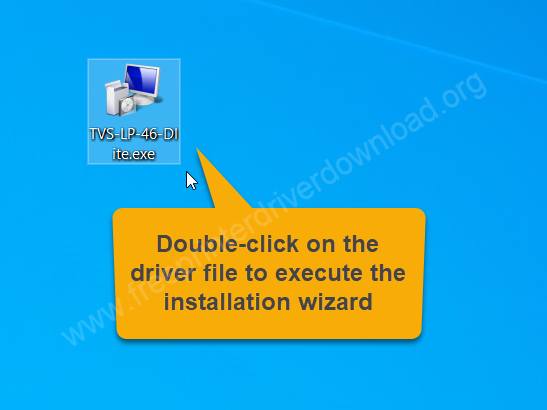
Step 1: Double-click on the driver file “TVS-LP-46-Dlite-Driver-Installer-Windows.exe” to start the installation wizard.

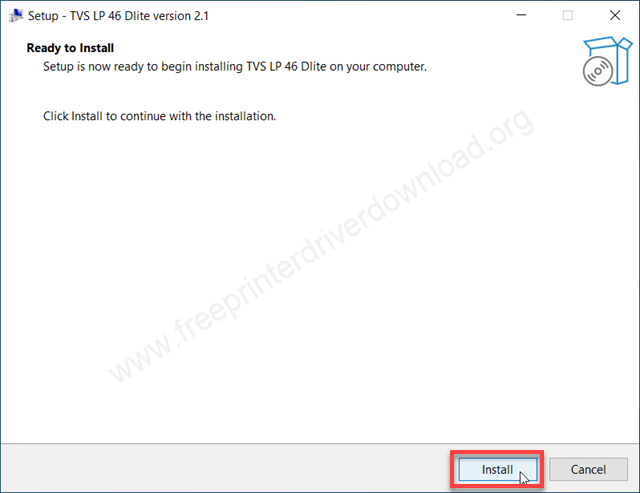
Step 2: Click on Install.

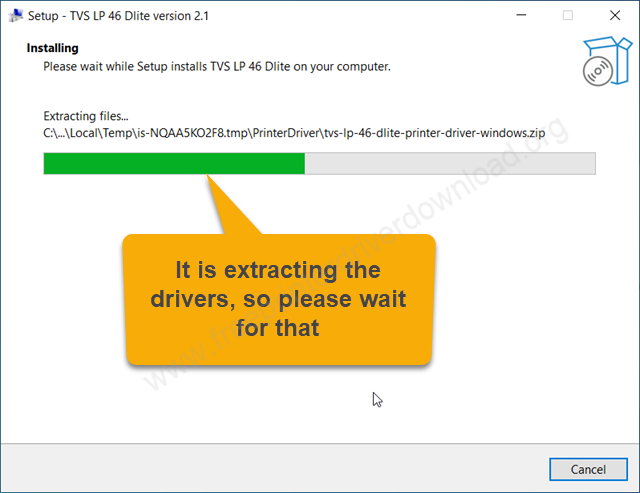
Step 3: It is now extracting the driver files, so please wait.
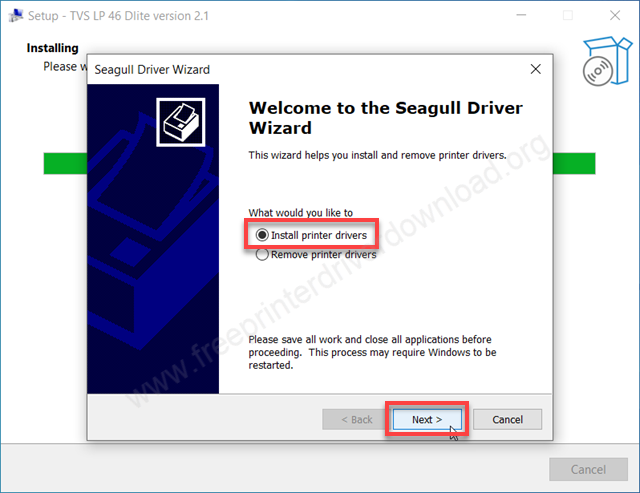
Step 4: Select the option “Install printer drivers” and click on Next.
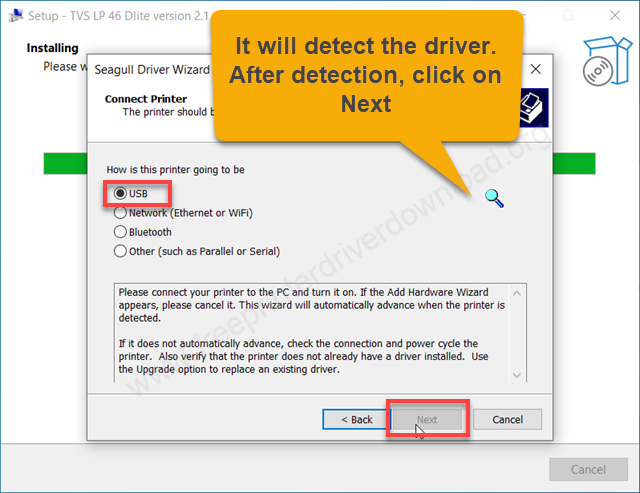
Step 5: Select the preferred connection type and click on Next. I select USB and click on Next.
Step 6: Now select the driver “SNBC TVSE LP46 Dlite BPLE” and click on Next.
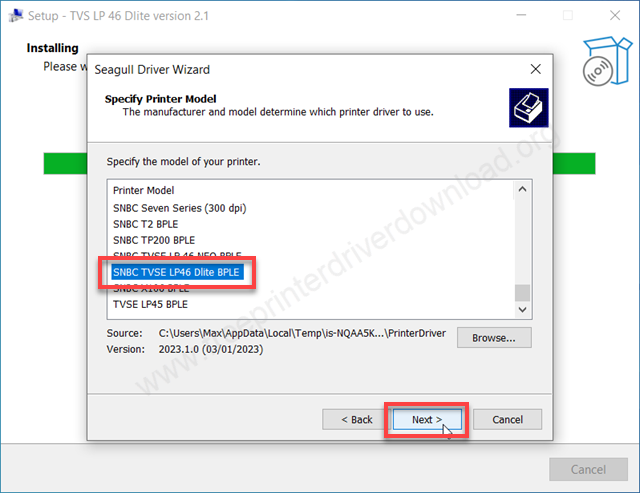
Step 7: Now please select the printer port. Either select the model number port or USB001 and then click on Next.
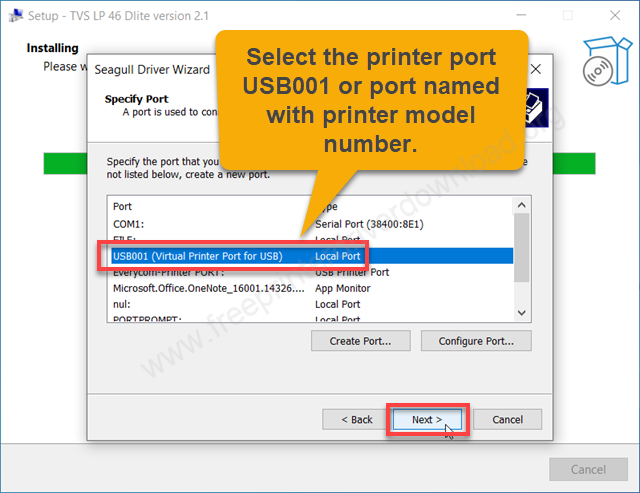
Step 8: Select the option “Do not share this printer” and click on Next.
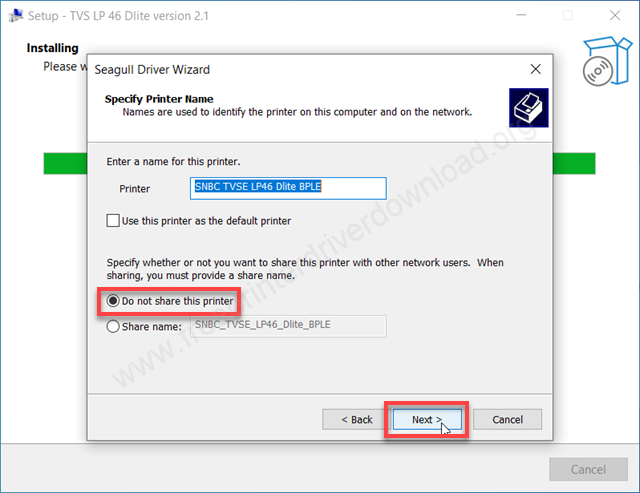
Step 9: Click on Finish.
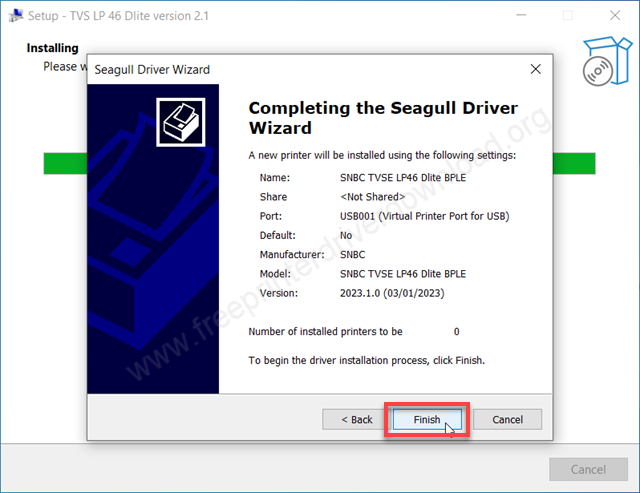
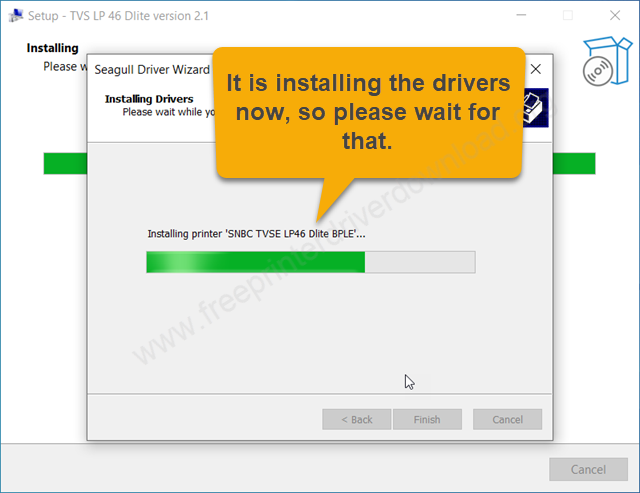
Step 10: The TVS LP46 install is now installing the drivers, so please wait for that.
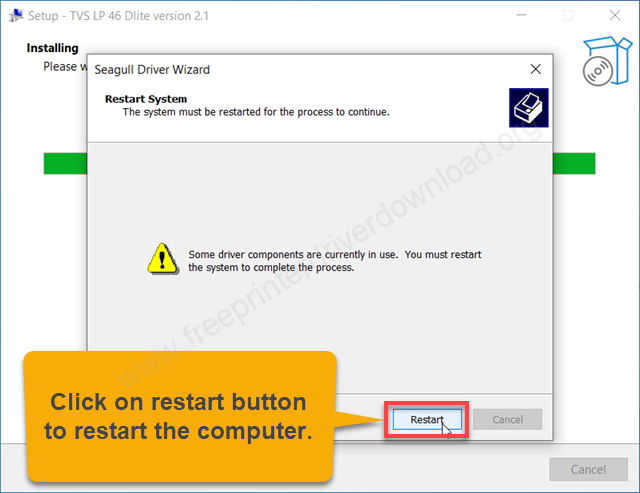
Step 11: The printer TVSE LP46 Dlite has been installed successfully. It is now asking to reboot the computer. Please click on restart button to reboot the computer.
More information about installation:
- How to install the printer driver with its installer
- How to install the printer driver manually using its basic driver
That’s it, installation of the TVS LP46 DLITE PLUS printer has completed.
More details about the drivers
Hardware Name: LP46 DLITE PLUS
Hardware ID: NA
Connection Type: USB/Ethernet/Serial Connection
Installer Type: Setup File (with Installer)
Driver Compatibility
This TVS printer is compatible with the Windows XP and higher OS versions, but doesn’t support Windows Server OS versions. This printer is compatible with the MacOS and Linux/Ubuntu operating systems.
Driver Update
When you update your printer driver with its latest version, then you basically ensure that your printer is running on its most stable support software. That’s because the new version of a printer driver has no known bugs in it.
Supported Operating Systems
Windows XP, Vista, 7, 8, 8.1, 10, 11 (32, 64-bit)
macOS 10.x, 11.x, 12.x, 13.x, 14.x, macOS 15 Sequoia, 26.x Tahoe
Linux