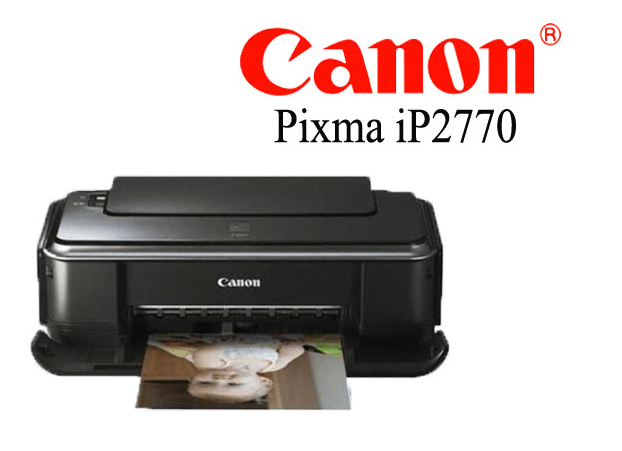
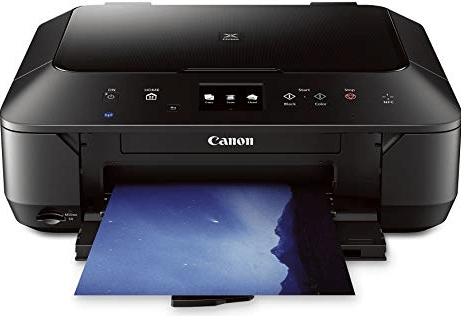
Canon Pro9500 Mark II is a professional photo printer with very high and crisp print quality. It uses 10 ink cartridges with the LUCIA pigment ink system for this type of high quality result. There are lots of features for photo printing. This printer supports variant types of papers like photo & fine art papers etc. It has a built-in AI to correct photo lights and for better print quality.
To use all these features through your computer, you will have to install the latest version driver on your computer. To make this install process easy, I have given the driver download link and its how to install guide so that you can setup this printer on your computer easily. Let’s start the installation process by downloading the drivers first.
Download Pro9500 Mark II Series Printer Driver
In order to download the latest version driver, you need to click on the below given download link according to the version of your operating system where you want to install this printer. Here’s how you can check the version of your operating system. Click on the download link accordingly.
Driver for canon pixma pro9500 mark ii series printer
Type: Full feature driver Operating System: Windows 11, 10, 8, 8.1, 7, Vista, XP (32bit / 64bit), Server 2000 to 2025 File Size: 16.68 MB Version: 2.70 Download DriverOR
Alternatively, you may download the same driver directly from Canon’s official website.
How to Install Pro9500 Mark II Series Printer Driver
To properly install this printer on your computer, you will have to follow the following step by step instructions carefully.
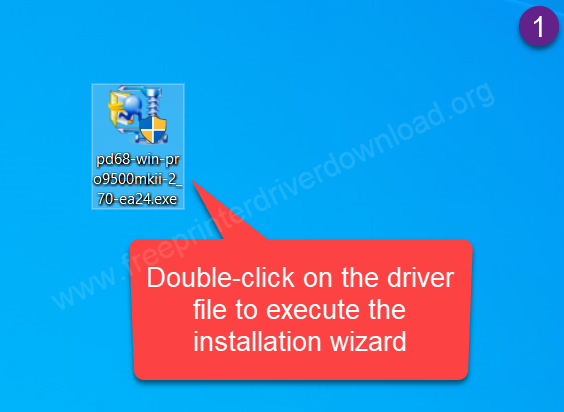
Step 1: Double-click on the driver file “pd68-win-pro9500mkii-2-70-ea24.exe” to execute the installation wizard.
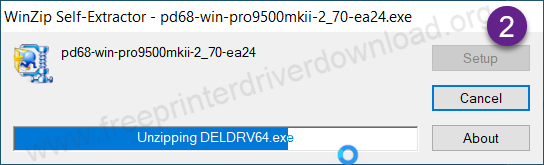
Step 2: Please wait while it is extracting the driver files.
Step 3: Click on Next.
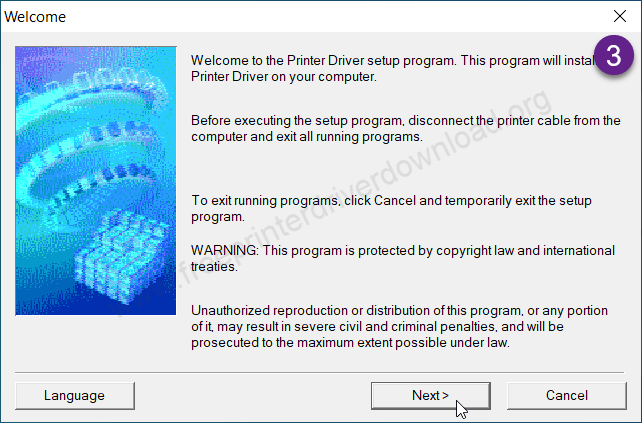
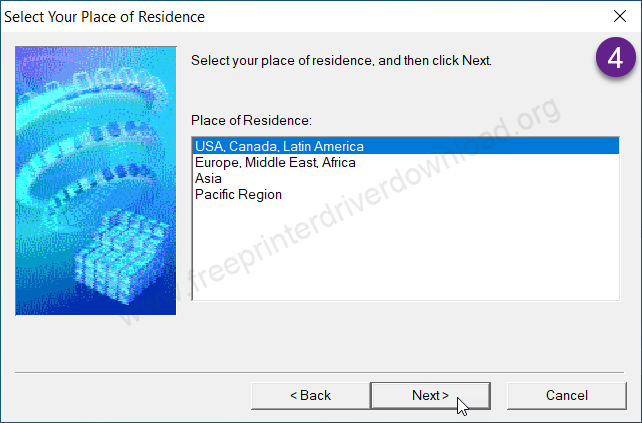
Step 4: Choose your preferred language and then click on Next.
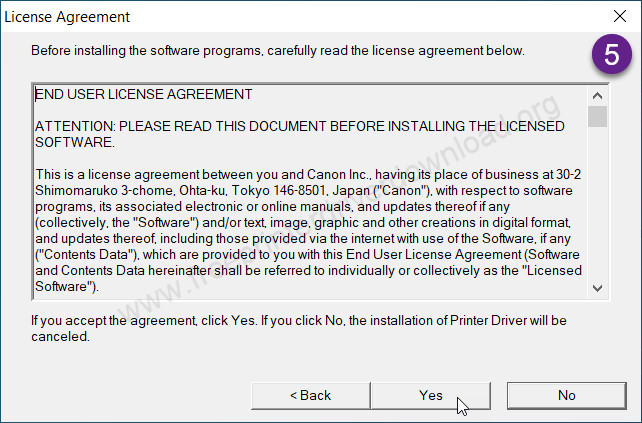
Step 5: Click on yes.
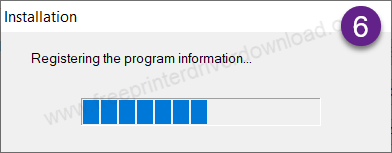
Step 6: Please wait here.
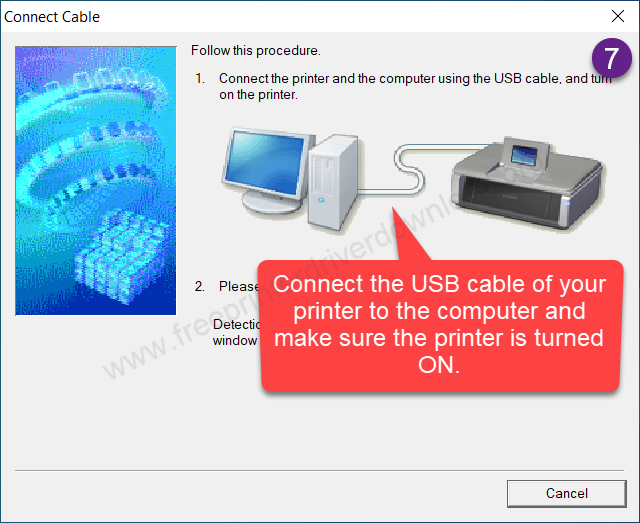
Step 7: Now please connect the USB cable between your printer and the computer. Also, make sure the printer is turned ON. The screen will detect your printer connection automatically, then click on Next and then click on the Finish button to complete the installation process.
This is how you can install this printer on a Windows computer. I have installed it on my Windows 10 64bit OS but you can apply the same steps on Windows 11, 8, 8.1 and Windows 7 as well.
Specifications:
Canon PIXMA Pro-9500 Mark II is an inkjet photo printer that is suppoted up to A3 size papers. This printer is known for high quality print quality with 10 individual ink cartridges. As it is a photo printer it can print borderless. This ink setup can give you up to around 5 minutes to print A4 borderless color printer. As I stated, this printer supports 11″ x 17″ (A3) size papers. It has a one input feeder which can hold up to 150 pages at a time.
This printer can only connect with the computer through a USB cable. Although this printer supports Windows 7, Vista and XP, you can install this printer on your Windows 11, 10 and Windows 8 using the Windows 7 driver, it will work. I have given the driver download link in the download section above. The driver comes with software like: Easy-Photo Print EX and Above PhotoShop Elements.
The dimensions of this printer are : 26” Width, 13.9” Depth and 8” Height. The total weight of this printer is 14.7 Kg. This printer takes only 14 Watts due to it being an inkjet printer. This printer comes with a 1 year warranty.