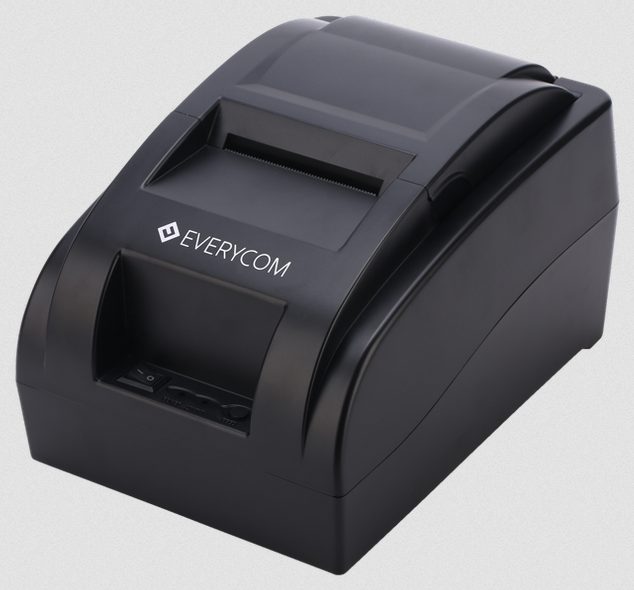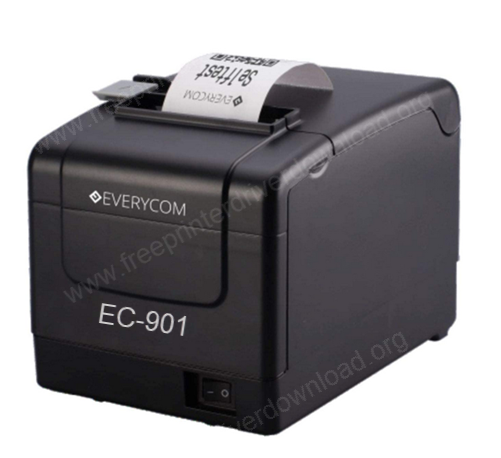
Everycom EC-901 is an 80mm (3 inch) thermal POS receipt printer. It is designed for retail shops, POS systems and for receipt and billing purposes. To setup this printer on a computer, you need its driver. Although the driver CD comes along with it, but sometimes the CD doesn’t work properly – it gets damaged and lost. These days we don’t even have a CD drive as well. So it is recommended to keep its driver on your hard drive. If you don’t have it, here on this page I am going to provide the driver download link below.
To download the driver, go to the download section below and click on the download link according to the version of the installed operating system. After download, must checkout the “how to install” section to know the right way to install this printer – which is also given beneath the download section. So let’s start the installation process by downloading the drivers first.
Download Everycom EC-901 Printer Driver
In order to download the driver, determine the operating system version of your computer and then click on the below given download link accordingly.
Driver for Everycom EC-901 Printer Driver
Type: Full feature driver Operating System: Windows 11, 10, 8, 8.1, 7, Server 2000 to 2025 File Size: 2.03 MB Version: 1.3 Download DriverOR
You may download the same driver from Everycom’s official website.
After downloading the drivers you must know how to install it, so please check out the step-by-step installations to know how to properly install this Everycom 901 printer on a Windows computer.
How to Install Everycom EC-901 Printer Driver
In order to install this printer, you just need to follow the following instructions carefully. Please follow the steps.
Installation Instructions:
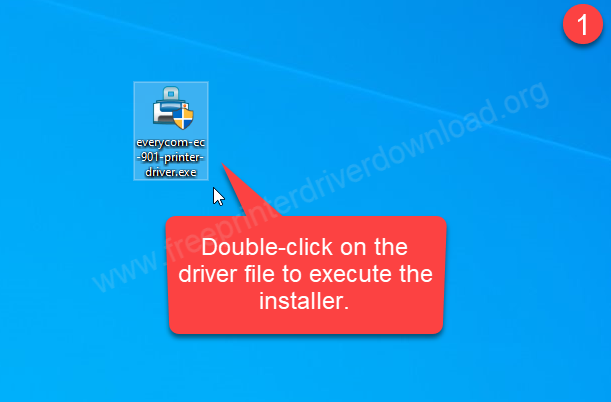
Step 1: Double-click on the Evercom EC-901 printer driver to execute the driver file. Download the driver from the above given download section.
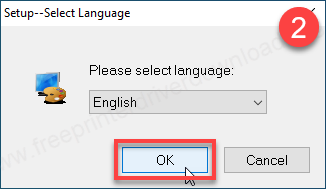
Step 2: Select the preferred language from the drop down and click on OK. I will go with English language and click on OK.
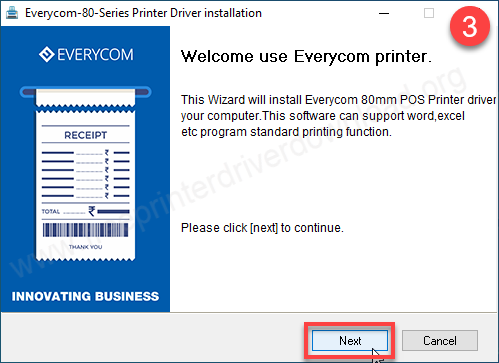
Step 3: Click on Next to start the installer.
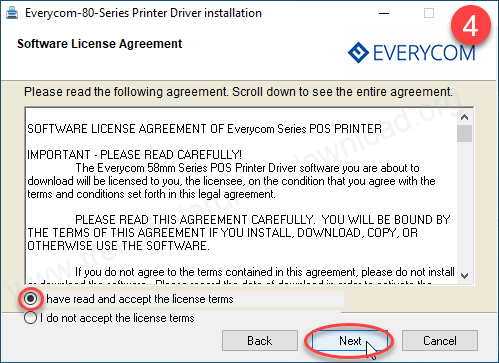
Step 4: Selct the option “I have read” and then click on Next.
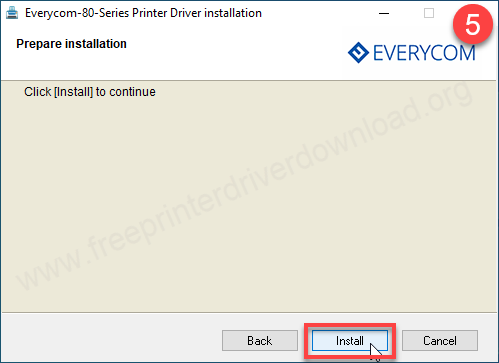
Step 5: Click on install button
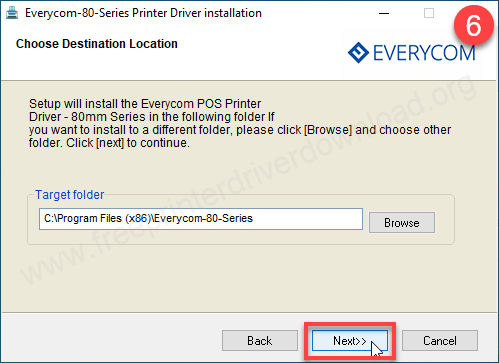
Step 6: Click on Next.
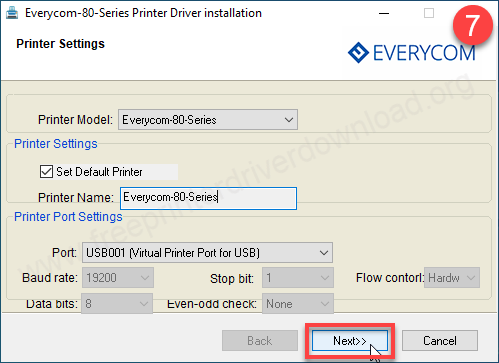
Step 7: This printer will install as a 80mm printer, click on Next. Don’t get confused between the model numbers becuase EC-901 model number falls under 80mm series, so the 80 series driver will work with EC801 and EC901 printers.
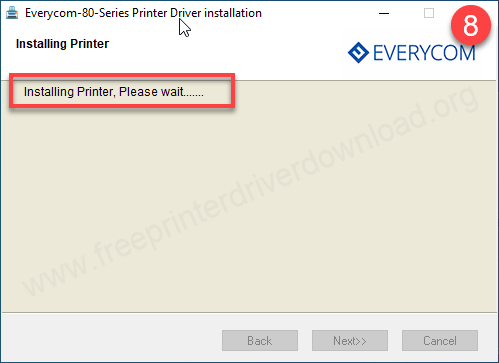
Step 8: Please wait while it is installing the driver.
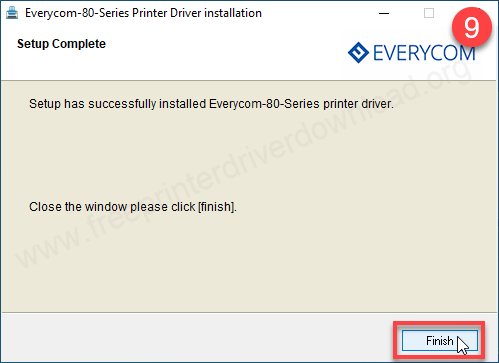
Step 9: The Everycom EC901 printer has been installed, click on the finish button to complete the installation process.
So, this is how you can install this Everycom EC-901 printer on a Windows computer. I have installed it on my Windows 10 64bit computer but you can install it on Windows 11, 8, 8.1 and Windows 7 as well. If you have any doubts please let me know in the comment section below.
Specifications:
Everycom EC901 is a 80mm thermal line printer. The print speed of this printer is 160mm per second with 208×208 dpi printing resolution. This printer supports only up to 83mm diameter paper roll.. There are two models in the ec901, one comes without auto-cutter and one comes with auto-cutter.
The dimensions of this printer are 198mm in depth, 148mm in width and 148mm in height. The total weight of this printer is approx: 1.3kg. The printer comes with a 24volt power supply. This printer uses 2 font types: Hanji and Tai Variants. The character size is .88 x 2.13mm or 1.25mm x 3mm 22.6 per inch. It does not use ink or toner. Instead, it uses thermal technology. This technology heats thermal paper that has built-in ink. The heat makes the ink appear on the paper.
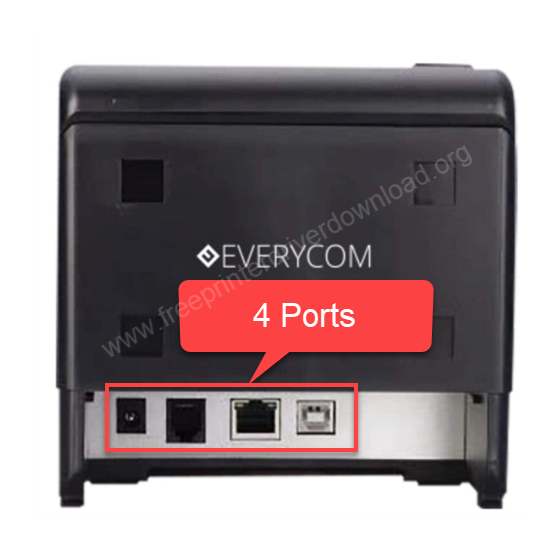
This printer can connect with the computer through a USB and LAN cable. Through LAN cable, you can connect the printer to your local network. This is a thermal printer. There are 4 ports at the back of this printer. First is power supply port, the second is the cash drawer connector port for POS system, the third port is the Ethernet LAN (RT45) and the fourth is a USB port.
In the printer box you will receive the printer itself, paper roll, driver CD which has the driver, software and user manual, USB cable and power adapter.
The story behind this driver
Someone asked about the Everycom EC-901 printer driver a few days ago using the driver request form. Then I started searching for the driver and found that the Everycom’s official download page was down. I decided to purchase a new printer, but I did not get it from Asia’s largest computer market in Nehru Place and when I reached their head office at Udyog Vihar found it closed 6 months ago.
Then finally I decided to purchase a second hand printer but unfortunately the driver CD that came with the printer got damaged. I tried to retrieve the driver but failed. Finally I got the software that helped me to recover the driver partially. I am sharing that driver with you here.