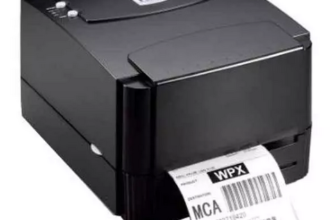
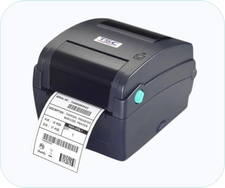
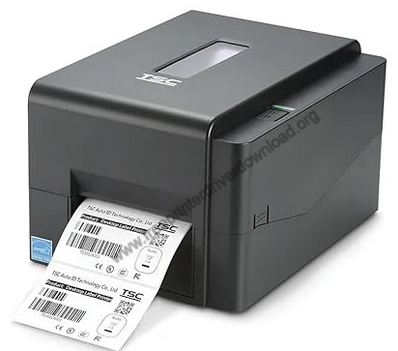
 Proper installation of the TSC TE244 printer is important if you want to use this printer through a computer. However, proper installation not only means following the right installation process, but it also includes selecting the right printer driver for installing this thermal barcode & label printer.
Therefore in this guide, I will share a one-click download link of the latest version drivers of this label printer. Additionally, I will provide detailed installation instructions for the proper installation, so please check it out below.
Download TSC TE244 Printer Driver
Follow these steps:
- Select your preferred OS version from the list of OS given below.
- Click on the download button to get your TSC TE244 thermal printer driver.
TSC TE244 Printer Driver for Windows
Basic printer driver for Windows XP, Vista, 7, 8, 8.1, 10, 11(32, 64-bit)
Download (32, 64-bit)
File Name: TSC_12.3.exe
Size: 71.6 MB
Version: 12.3
Type: Basic driver
Language: English
Driver Pack Contains: Printer driver
————————————————————
Full feature driver for Windows Server 2003 to 2025 (32, 64-bit)
Download
Driver for Mac
Basic printer driver for macOS
Download
Driver for Linux
Basic driver for Linux and Ubuntu
Download
OR
Download the driver directly from the TSC TE244 printer official website.
How to Install TSC TE244 Printer Driver
In the following steps, I will describe the download and installation method of the latest TSC TE244 printer driver. You can follow these steps for all the supported versions of the Windows OS.
Step 1: Find the Driver
- Get the latest version driver from the TSC website or from the Downloads section of this guide.
- In the TSC website, visit the support/downloads page.
- Enter the printer model number (TE244), then search for its drivers and choose your preferred OS version.
Step 2: Download the Driver
- Use the download link related to your OS version to download the driver.
- Wait for the driver file to download.
Step 3: Install the Driver
- In the Downloads folder, find and run the newly downloaded driver setup file.
- Agree with the license agreement terms, then click on ‘Next’.
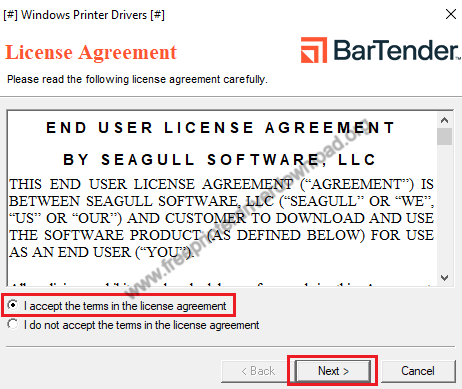
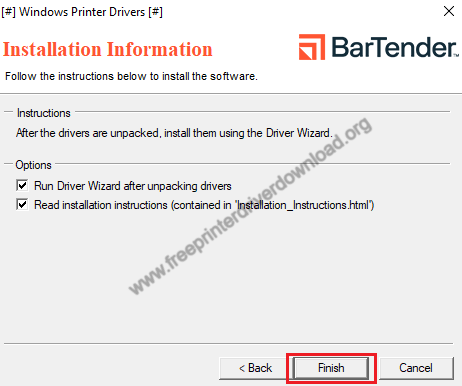
- Select the folder to unpack the driver, then select the options you prefer. Finally, click on ‘Finish’ to start the Driver Wizard.
Step 4: Connect the Scanner
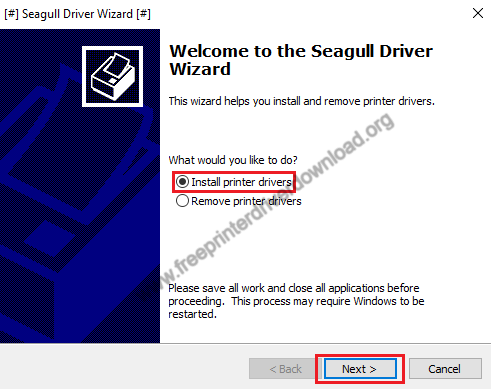
- Select ‘Install printer drivers’, then click ‘Next’.
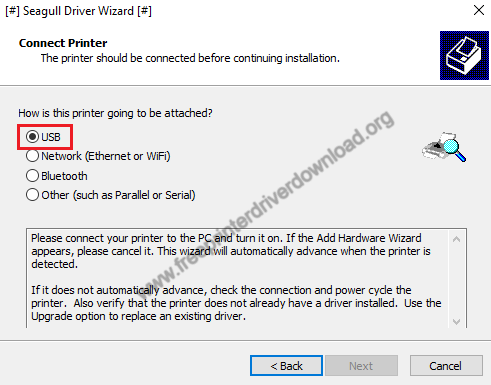
- Select ‘USB’ connectivity option, and connect your thermal barcode & label printer with the USB port of your computer.
- Follow the onscreen prompts to install your printer.
More information about installation:
- How to install the printer driver with its installer
- How to install the printer driver manually using its basic driver
That’s it, installation of the TSC TE244 printer has completed successfully.
More details about the drivers
Hardware Name: TE244
Hardware ID: USBPRINTTSCTE24421FB
Connection Type: USB/Ethernet/W-Fi/Bluetooth Connection
Installer Type: Setup File (with Installer)
Driver Compatibility
This thermal barcode & label printer is compatible with the Windows XP or later OS versions, MacOS and Linux/Ubuntu operating systems.
Driver Update
Latest version of a printer driver is supposed to provide more stable environment for your printer as it improves compatibility of your printer with the OS installed on your computer. Therefore, you can expect better performance from your printer if you update its printer driver with a genuine driver newly released by the printer manufacturer.
Supported Operating Systems
Windows
Mac
Linux