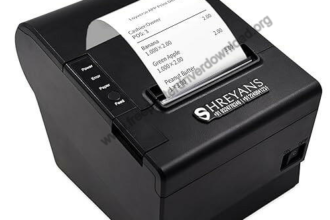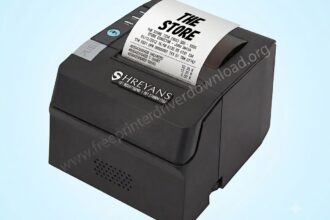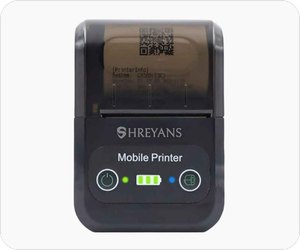
Shreyansh SRS 588 is a super lightweight and portable 2″ thermal printer. It is a battery operated printer mostly used for billing and receipt purposes. You can charge this printer and use it without power. There are two connectivity of this printer. You can connect this printer wirelessly through Bluetooth to the bluetooth enabled devices or connect it through the USB cable – this is only for PC.
In order to give a print command from your computer, you will have to install its driver on PC and install its app on mobile phones.
Although you can get its driver from the driver CD that came with the printer, but if you can easily download its driver from its official website, where you will get the latest version drivers. I am going to share the Shreyans SRS 588 latest version printer driver on this page. You can download the driver by clicking on the download link given below.
After downloading the driver, I have given a step-by-step installation guide to make the installation process easy. I recommend you to please follow these steps, which are given beneath the download section.
So let’s start the installation process by downloading the drivers first.
Download Shreyans SRS 588 Driver for PC / Smartphones
In order to download the latest version driver, first find out the operating system version of your computer and then click on the below given download link accordingly. This printer supports: Windows 11, 10, 8, 8.1, 7, Vista, XP (32bit / 64bit), Server 2000 to 2025, Linux, Ubuntu, Mac OS X 10.x, 11.x, 12.x, 13.x, 14.x and macOS 15 Sequoia, 26.x operating systems.
Driver for Shreyans SRS 588 Printer
Type: Full feature driver Operating System: Windows 11, 10, 8, 8.1, 7, Vista, XP File Size: 1.84 MB Version: 1.2 Download DriverOR
You may download the Shreyans SRS 588 printer driver from Shreyans official website.
How to Install Shreyans SRS 588 Printer Driver on PC
After downloading the drivers, please follow the below given step-by-step guide in order to install this driver properly on your PC. I have installed it on my Windows 10 computer but you can apply the same steps and sama drivers on your Windows 11, 8, 8.1 and Windows 7 as well.
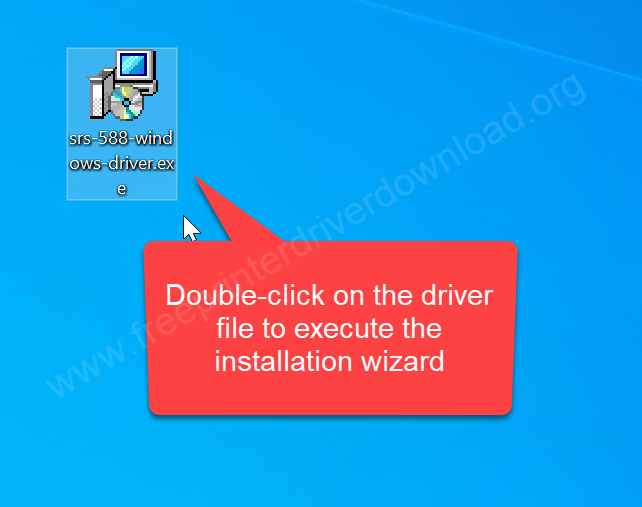
Step 1: Double-click on the driver file (srs-588-windows-driver.exe) to execute the installation wizard.
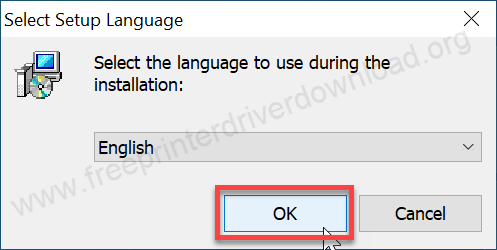
Step 2: Select the preferred language and click on OK.
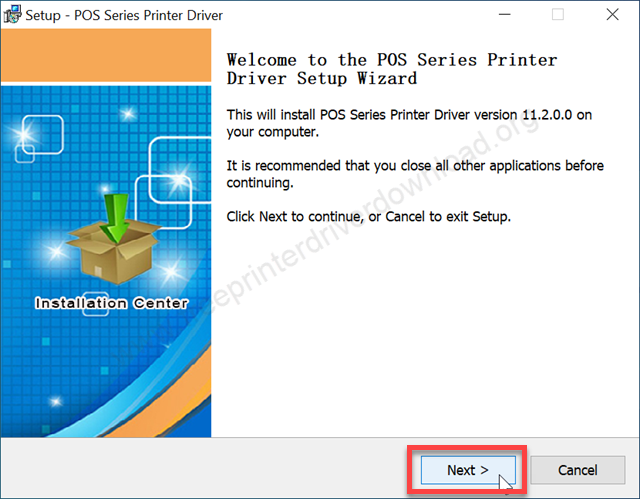
Step 3: Click on next.
Step 4: Select the option, I accept the agreement, and click on next.
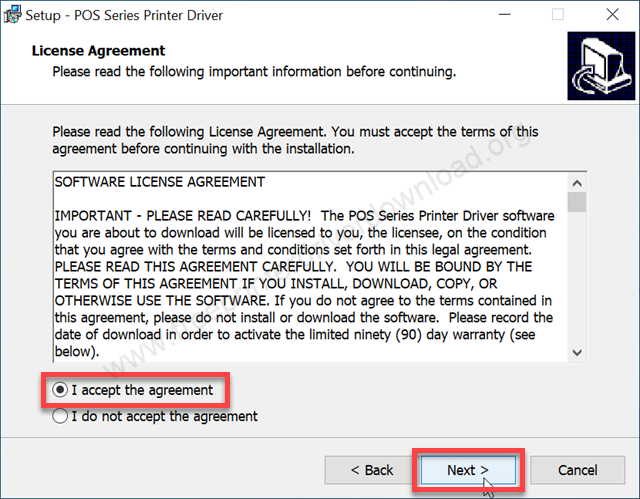
Step 5: Click on Next again.
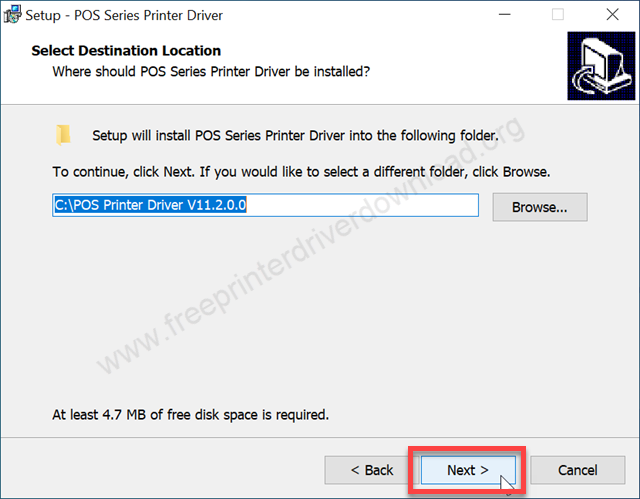
Step 6: Click on Install. It is going to finally install the driver. So please wait after that.
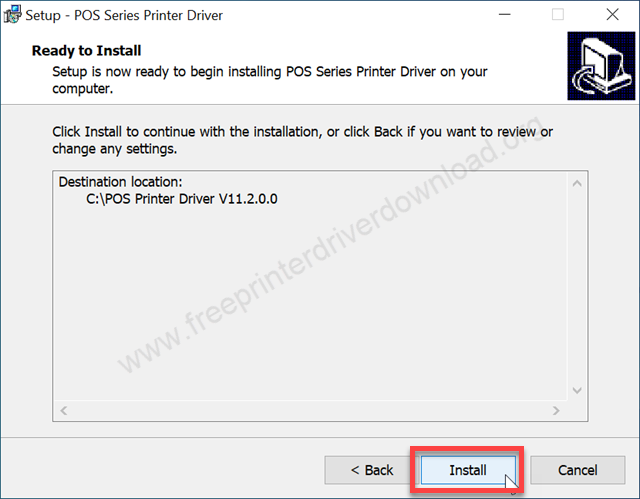
Step 7: It is being installed, please wait for that.
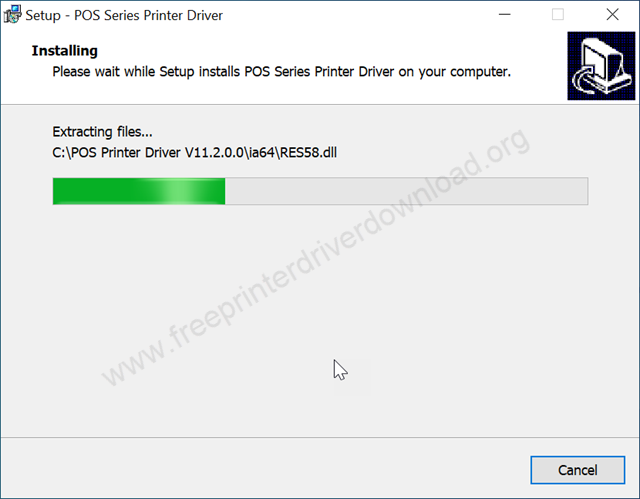
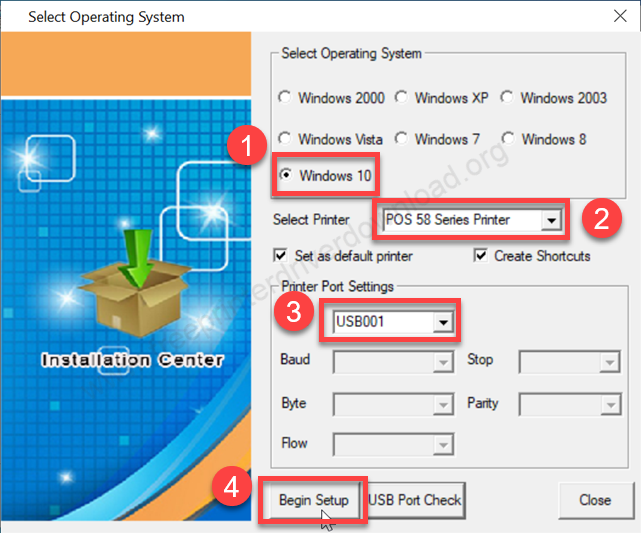
Step 8: On the screen, select the preferred operating system version, and then select the printer port. Click on the drop-down menu and select POS 58 series printer. After that, select the port USB001 or select if you see the model number in the port’s list and click on “Begin Setup”.
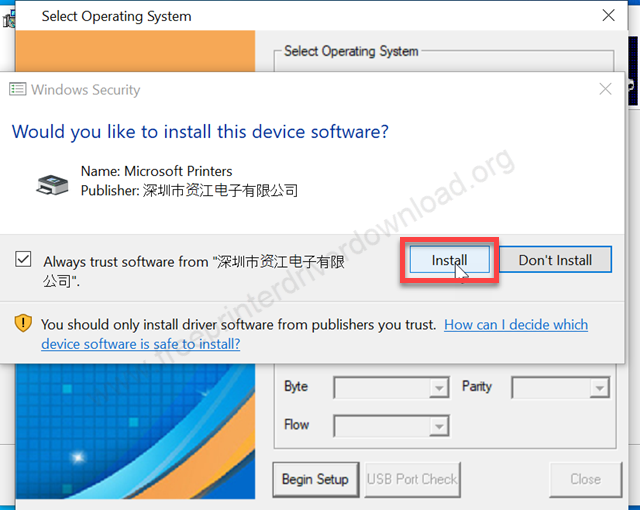
Step 9: Click on install. If you don’t see this option, it means the driver signature enforcement option is turned on in your computer. You will have to disable it from the Windows startup.
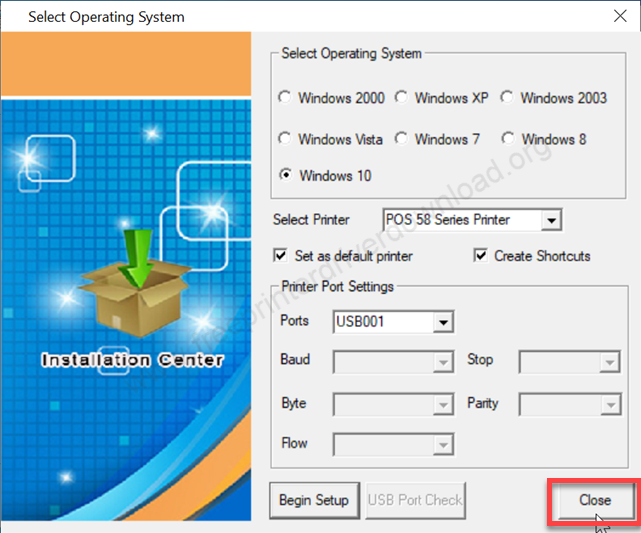
Step 10: Click on close
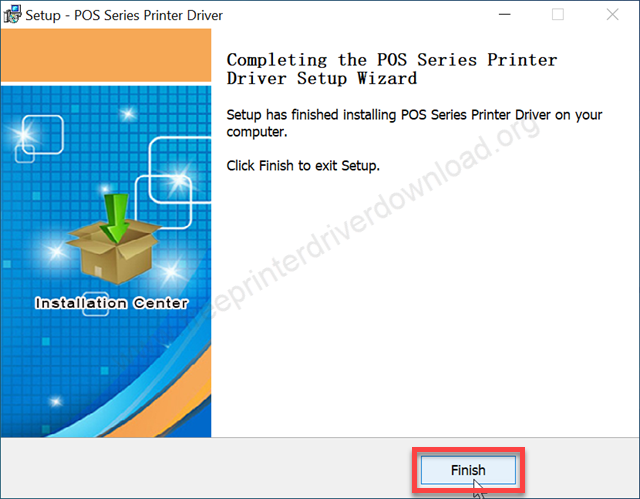
Step 11: Click on Finish to complete the installation process.
This is how I have installed this SRS-588 printer on my Windows 10 PC but may apply the same steps and the same driver for Windows 11, 8, 8.1 and Windows 7 computer.
Shreyans SRS 588 Full Specifications
Shreyans SRS 588 printer is a 58mm (2 inch) thermal printer with Bluetooth and USB connectivity options. This printer can connect with PCs, smartphones and tablets through Windows, Android and iOS. This model doesn’t come with an auto cutter feature – it is a manual cutter printer.
The print speed of this printer is very good, around 30 pages PPM. This printer can support barcode, QR code, EAN and image printing. It is very compact, portable and lightweight. It is a battery (1200mAh) operated printer which can give you 15 hours of continuous backup. It can be charged with a type-c cable through the wall socket or power bank as well.
The dimensions of the printer are 110mm wide, 80mm deep and 30mm high. The total weight of the printer is around 350 grams. You can grab this printer in black, white, orange and green colors. The printer box contains: The SRS588 printer itself, Paper Roll, Leather Pouch, Power adapter with cable and the driver & software CD.
In this post, I have given a step-by-step guide on how and where to download the Canon SC-588 printer driver for a PC. I have also given a step-by-step installation guide on how to install. And given the full specifications of this printer. So, I have covered all the things about this printer. Hope you like it.