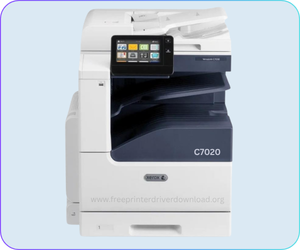
Xerox VersaLink C7020/7025/7030 is an A3 size color laser multifunctional printer. This printer has almost all the functionality which a corporate user needs like print, copy, scan and fax (optional) as well. To use all these features through a computer, you will require to download its latest version driver pack and install it on your computer.
You can either download the driver from its official website or download the same from the download section given below, both are the same drivers. Drivers are available for most operating systems, including Windows 11, 10, Server 2026, and Mac OS X 26.x Tahoe.
After downloading the driver, follow the below given step-by-step instructions to know the proper method to install this printer on a computer. So let’s start the installation process by downloading the drivers first.
Download Xerox VersaLink C7020/7025/7030 Driver for PC
In order to download the Xerox VersaLink C7020/7025/7030 latest version driver, you just need to click on the below given download link according to the operating system version of your computer.
SmartStart Driver for Xerox VersaLink C7020 Series Printer
Type: Full feature driver Operating System: Windows 11, 10, 8, 8.1, 7, Vista, XP, Server 2000 to 2026 File Size: 5.9 MB Version: 2.51 Download DriverOR
You may download the same driver from the Xerox’s official website
How to Install Xerox VersaLink C7020 Driver on PC
After downloading the drivers, follow the below given step by step installation guide for the proper installation.
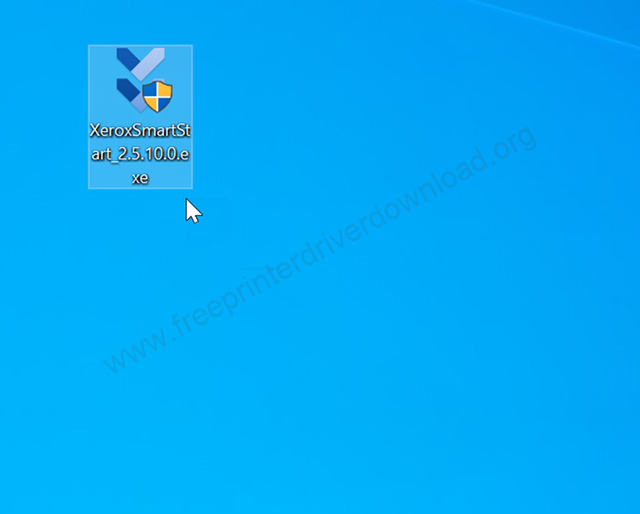
Step 1: After downloading the Xerox Smart Start application, you just need to double click on it to start the installer.
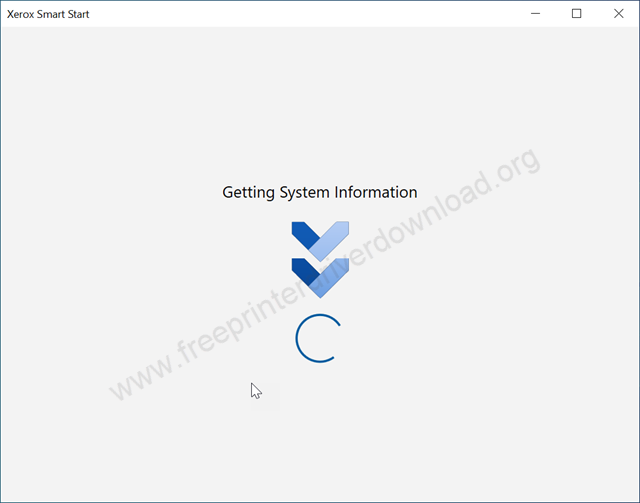
Step 2: The installation wizard is getting ready, so please wait for that.
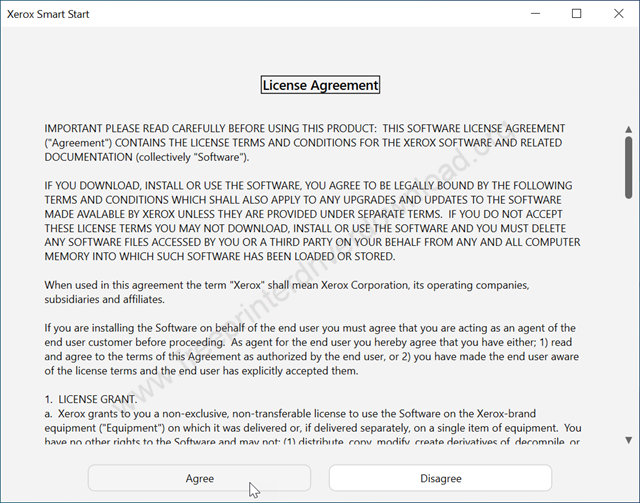
Step 3: Please click on Agree to accept the license agreement.
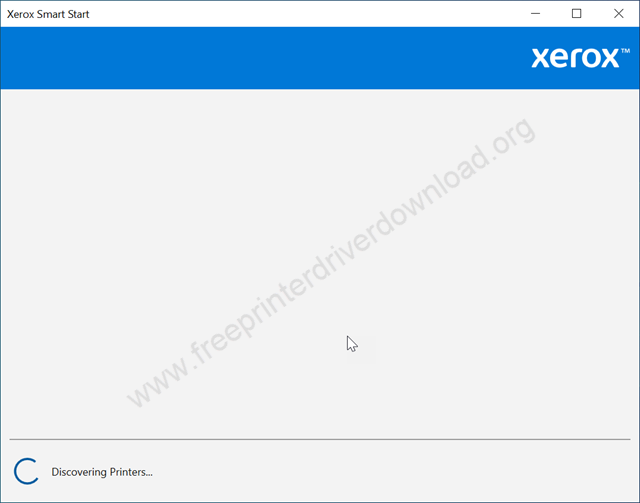
Step 4: The Xerox printer installer is now discovering the printers that are connected to the computer, the Xerox printer. Please make sure the printer should be connected to the computer and is turned on. After that, this screen will detect the printer. You just need to click on the printer and then click on Next and follow the further instructions to complete this installation process.
So this is how you can install this Xerox C7020 series printer on a computer. I have installed this printer on my Windows 10 computer, but you can apply the same steps and same driver for your Windows 11, Windows 8 and Server 2026 as well. In any case, if this full feature driver installer is not working, then I suggest you to go to the basic driver installation process, this would install the drivers only to make it work without any advanced features. The basic driver download link is also given above in the download section. Please check it out.
Xerox VersaLink C7020 Full Specifications
The print speed of this printer is around 20 pages per minute with a maximum print resolution of 1200 x 1200 dpi. The copy speed is also the same, around 20PPM, but the resolution is different at 600 x 600 dpi. The highlight of this printer is: it is an A3 printer with ADF and auto-duplex feature – means you can print both-side of a paper in one print & copy command automatically, but it can support A4 and letter size papers as well. The quality of its color print outs are very crisp and clear.
It has one input tray that can hold 250 pages and its output tray can hold 150 pages at a time. Its ADF tray can process 110 pages in one go. It has a 1 GHz processor with 4GB built-in RAM to handle multiple print commands smoothly, along with a 320GB hard disk.
This printer has a large 7 inch colored touch-screen display which helps you to navigate the printer settings easily. The connectivity of this printer to the computer and mobiles phones is extremely easy. It has three connectivity options: USB, Ethernet, NFC (tap to pair) and WiFi (optional). For mobiles, you will have to install its app on your phones and for PCs you will have to install its latest version software and driver pack. You can increase and decrease the zoom by 25% to 400%.
This printer has a flatbed color scanner. The scan speed is around 55 images per minute. The duplex scanning speed is around 25 images per minute. The optical scan resolution is 600 x 600 dpi. It has many scanning options like scan to email, scan to USB and scan to a sharing folder on the network. The scanner uses WIA and Twain technology.
So this is all about the Xerox VersaLink C7020 printer driver download links, the step-by-step installation guide and the complete specifications about this printer. I have installed this printer on my Windows 10 computer but you can apply the same driver and same installation instructions for Windows 11 and Windows 7 computer.